


WORK
See how NEXYXEN turns business problems into working digital solutions.
Explore product demos, internal builds and worked concepts that show the customer journeys, workflows and systems we can create. Every item is clearly labelled for what it is.
- Product demos
- Internal builds
- Worked concepts
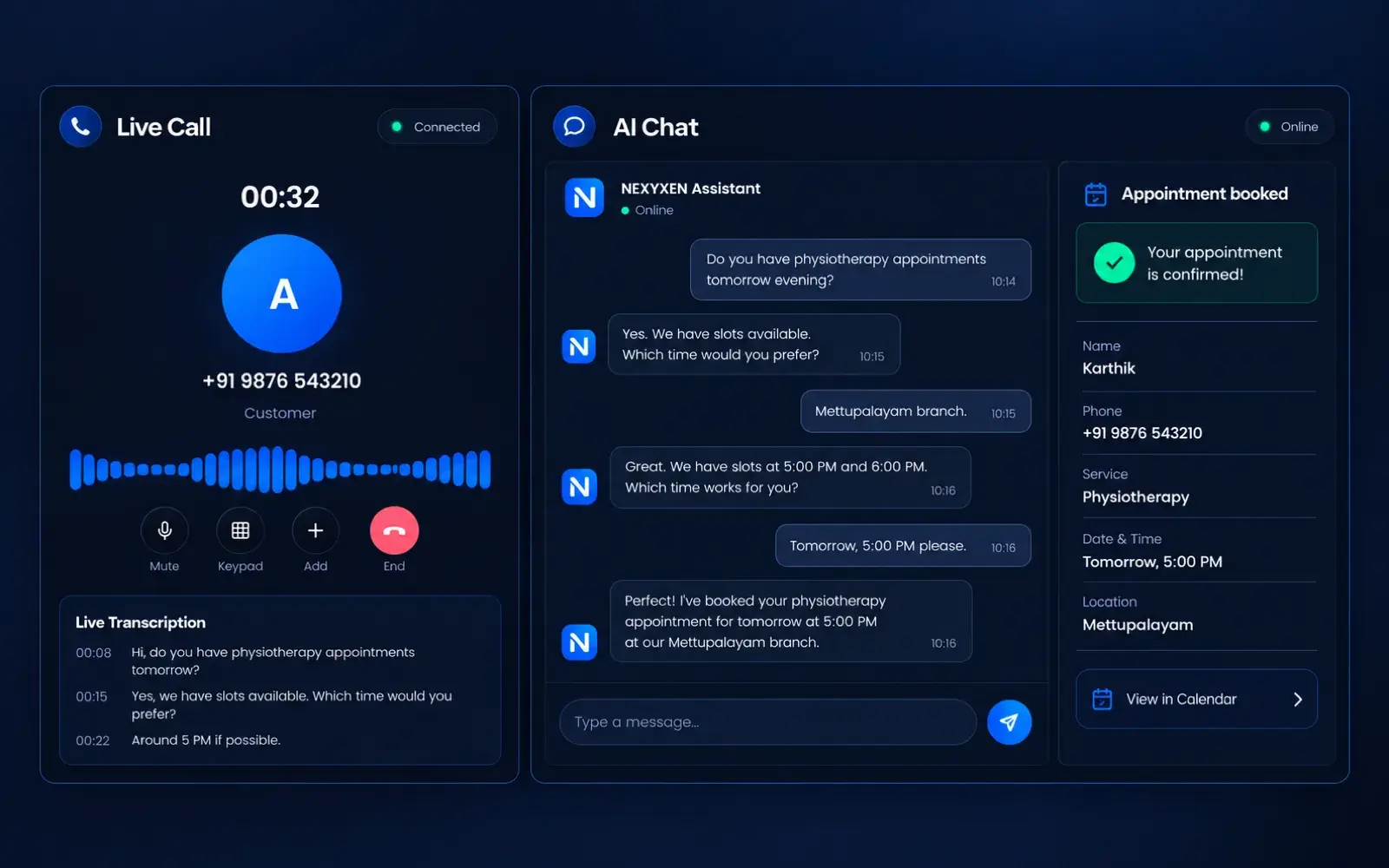
AI Receptionist on chat and calls
The NEXYXEN product itself, handling a customer enquiry across website chat and a voice call.
What it shows
- A question answered from approved business information, not improvised
- A live call transcript with the caller's details captured as they speak
- A written summary handed to staff, with the requested time and contact
- The point where the conversation is passed to a person
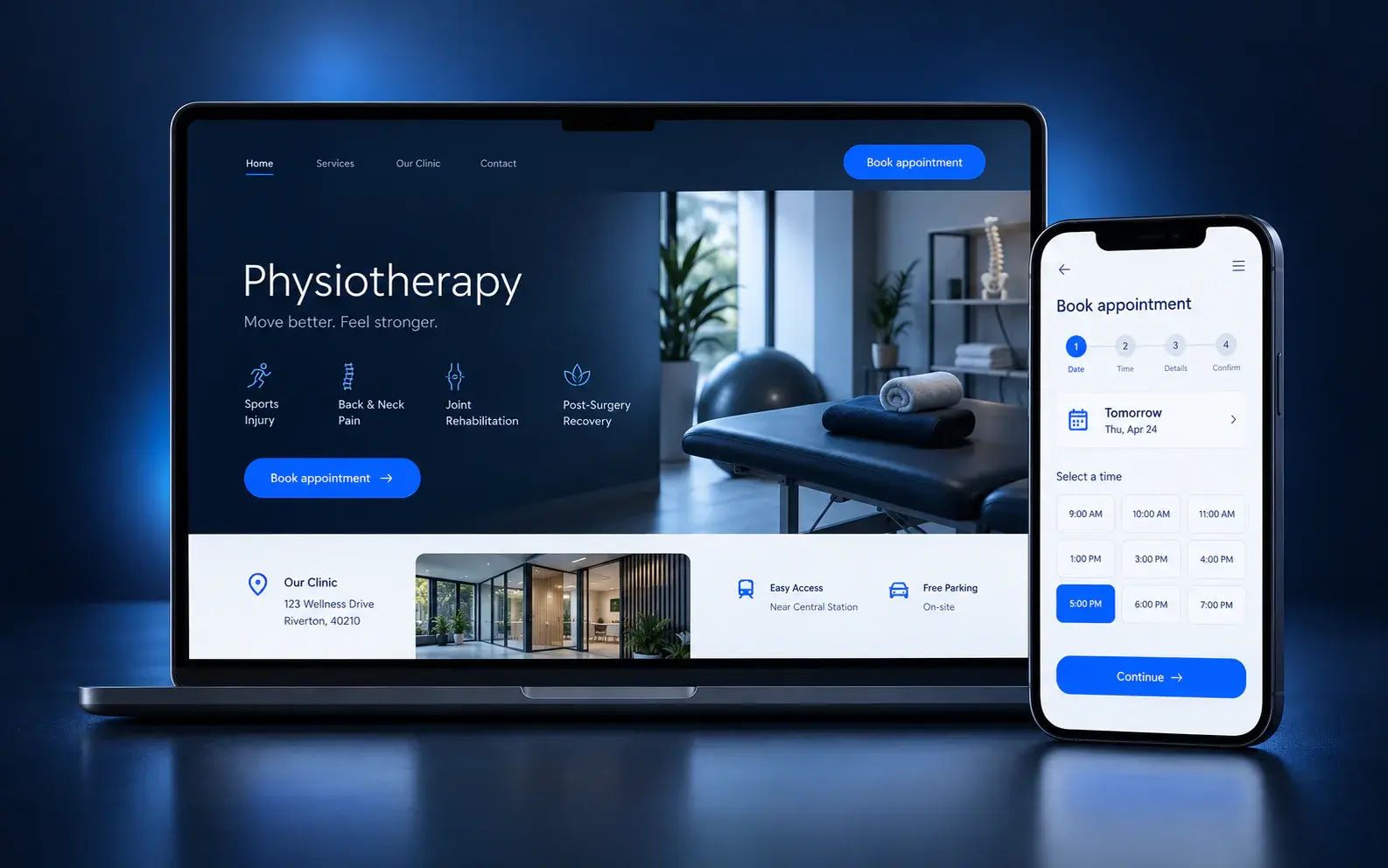
Clinic website and appointment enquiry
A concept for a healthcare practice: treatment information a patient can find, and an appointment enquiry that captures what the front desk needs.
What it shows
- Treatment, timing and location information structured so patients stop calling to ask
- An enquiry flow that collects treatment, preferred time and whether it is a first visit
- The handover to reception as a complete request rather than a call-back note
- A layout that holds from 320px upwards
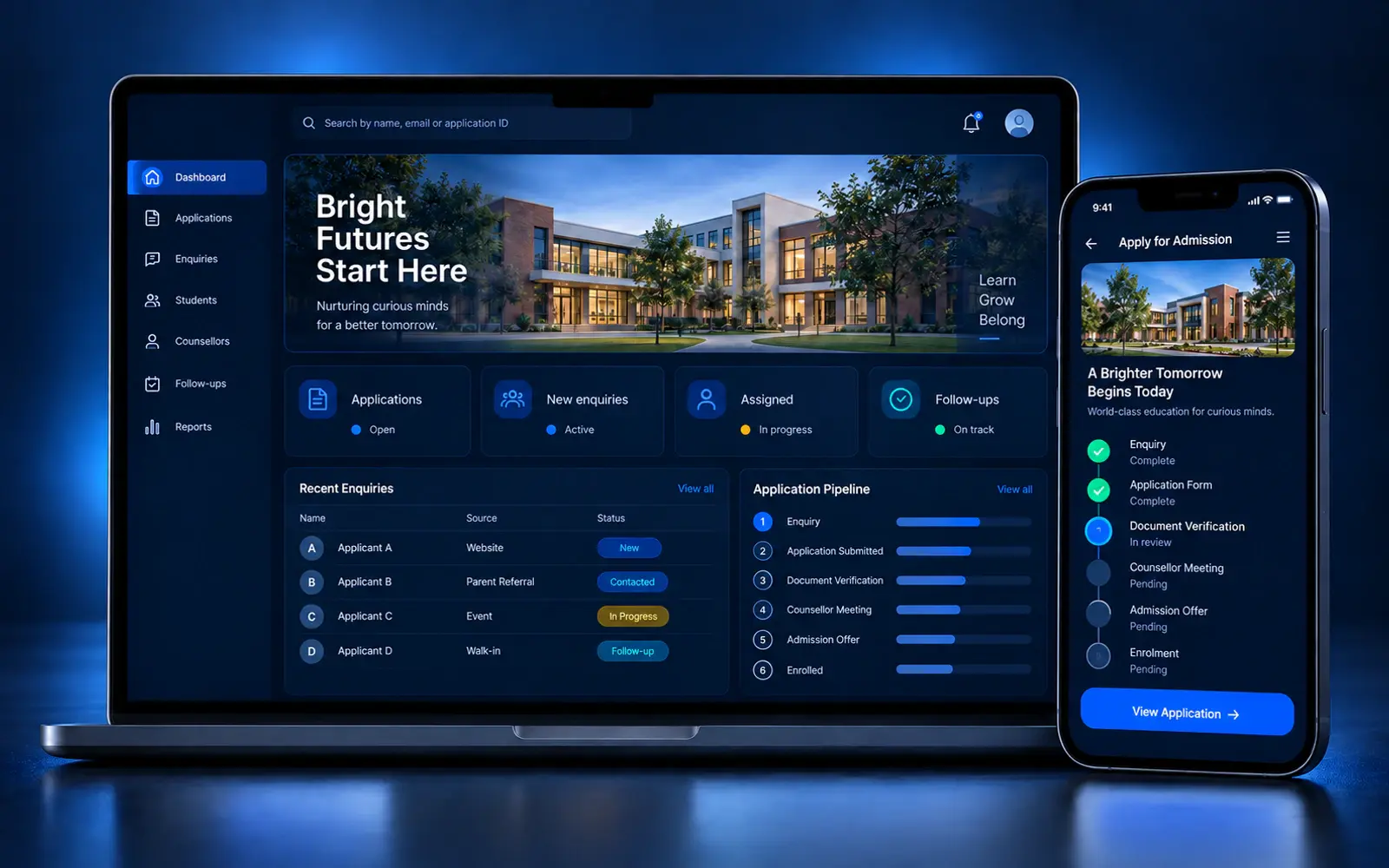
School admissions portal
A concept for an education business: parent enquiries captured in one place, with the admissions team working from a single ordered list.
What it shows
- Admission and course information written for the question a parent actually asks
- Enquiries from the website and messaging collected in one shape
- Counsellor assignment with a follow-up date attached to each enquiry
- A view of which enquiries have not been touched
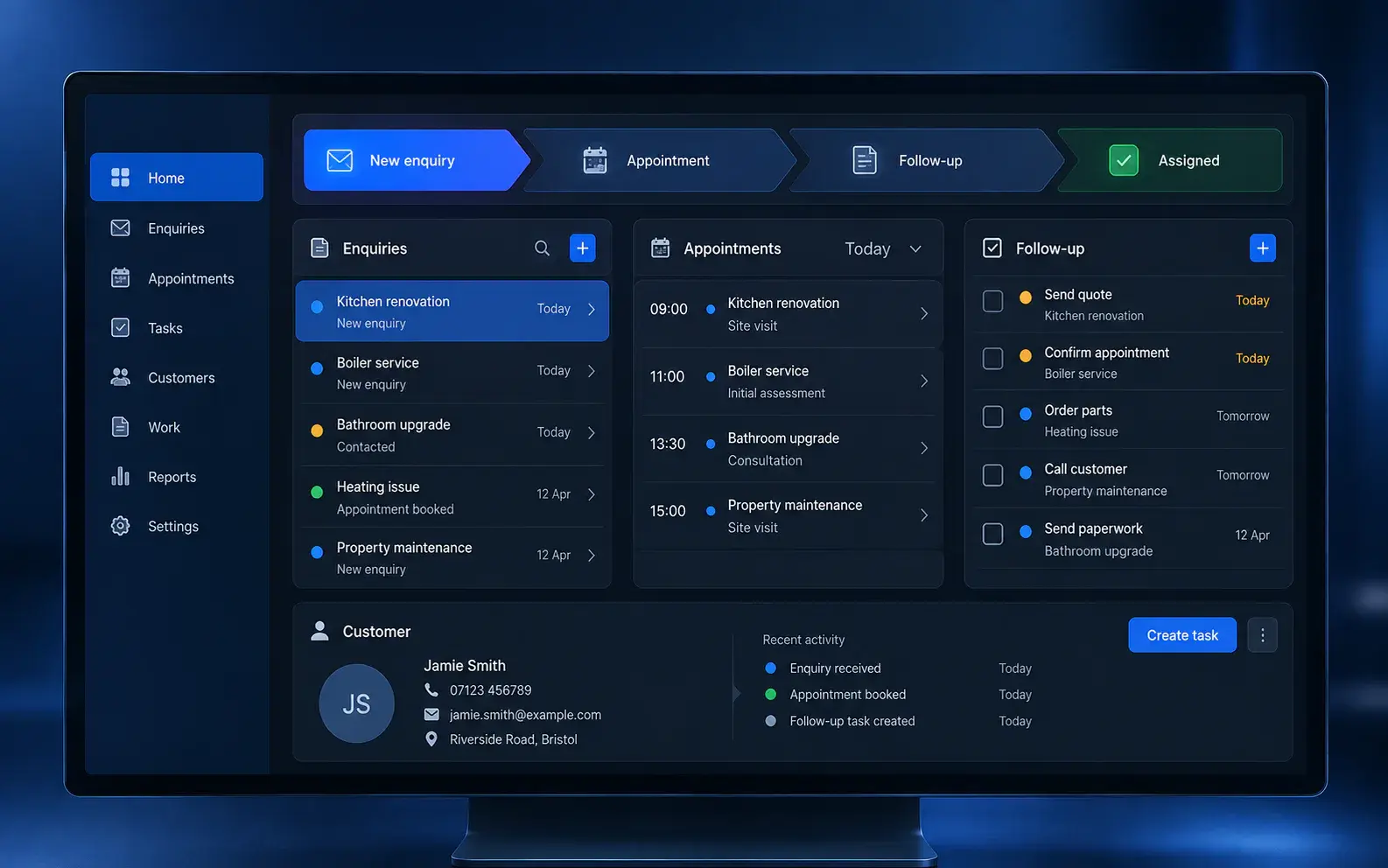
Service operations dashboard
A concept for a growing business: enquiries, jobs and follow-ups in one place instead of across a spreadsheet, an inbox and a chat thread.
What it shows
- Enquiries from several channels in one list with an owner and a status
- Work in progress visible without asking anyone for an update
- Follow-up dates tracked by the system rather than remembered
- A structure that a small team can actually keep current
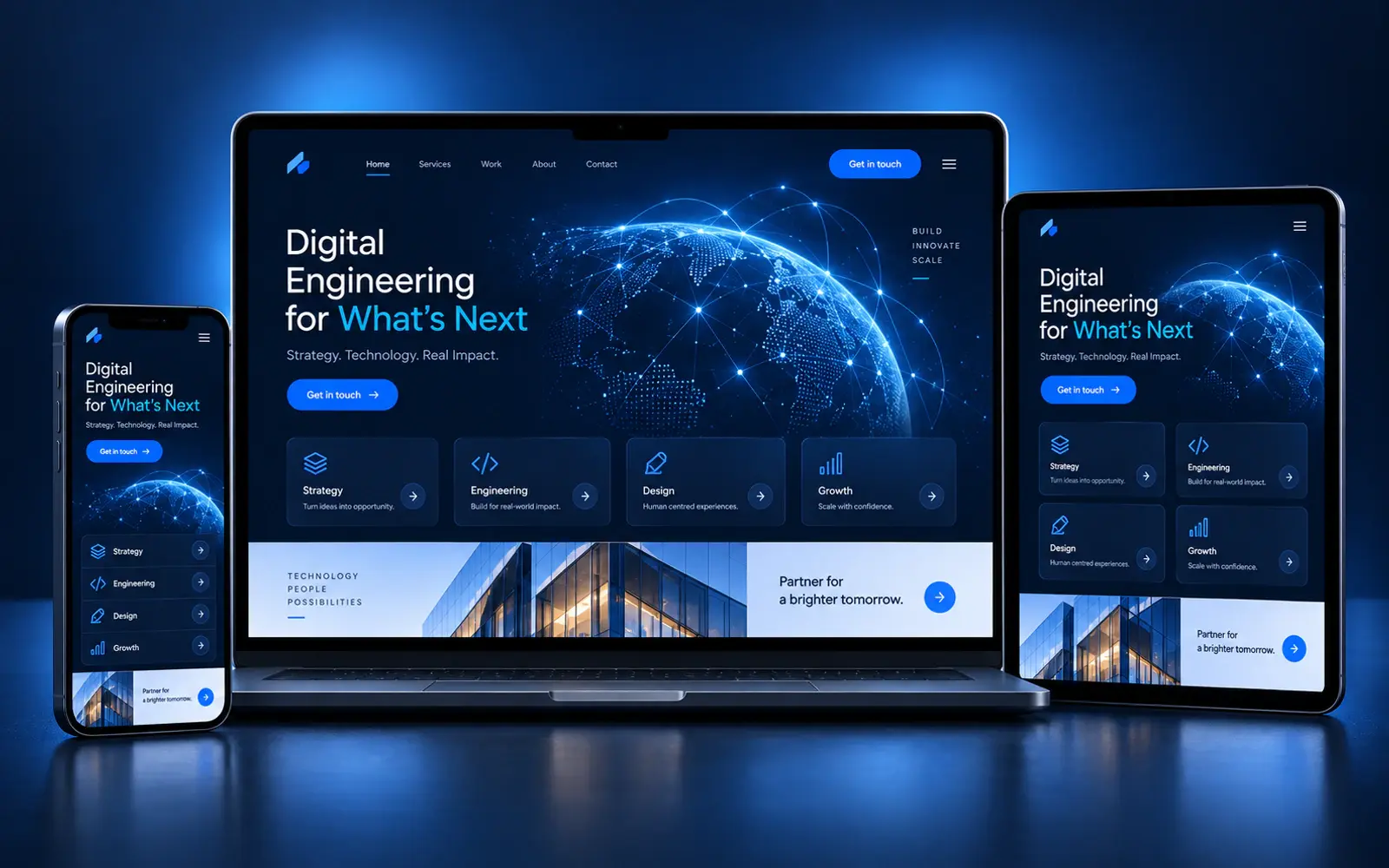
This website
Built by NEXYXEN to the standards described on the services pages. You can inspect it directly.
What it shows
- Server-rendered pages with client JavaScript only where interaction needs it
- A token-based design system covering colour, spacing, type and motion
- Keyboard operation, visible focus and reduced-motion support built into the interface
- Responsive layouts designed to reflow cleanly on small screens
Want to see this against your own situation?
Tell us how customers reach you and we will walk through the demo against your own workflow.